
419
Hey everyone,
In a recent conversation with Sara Deering, we were talking about how she wanted Copilot to consistently respond through the lens of the Challenger mindset. Not occasionally. Not only when she remembered to ask. But as the default, without having to restate that expectation every time.
As I mentioned to Sara, this is exactly what Custom Instructions are designed to do.
The real shift: from “prompting better” to “personalizing Copilot”
We talk a lot about prompting, and prompting does matter. But prompting is the moment.
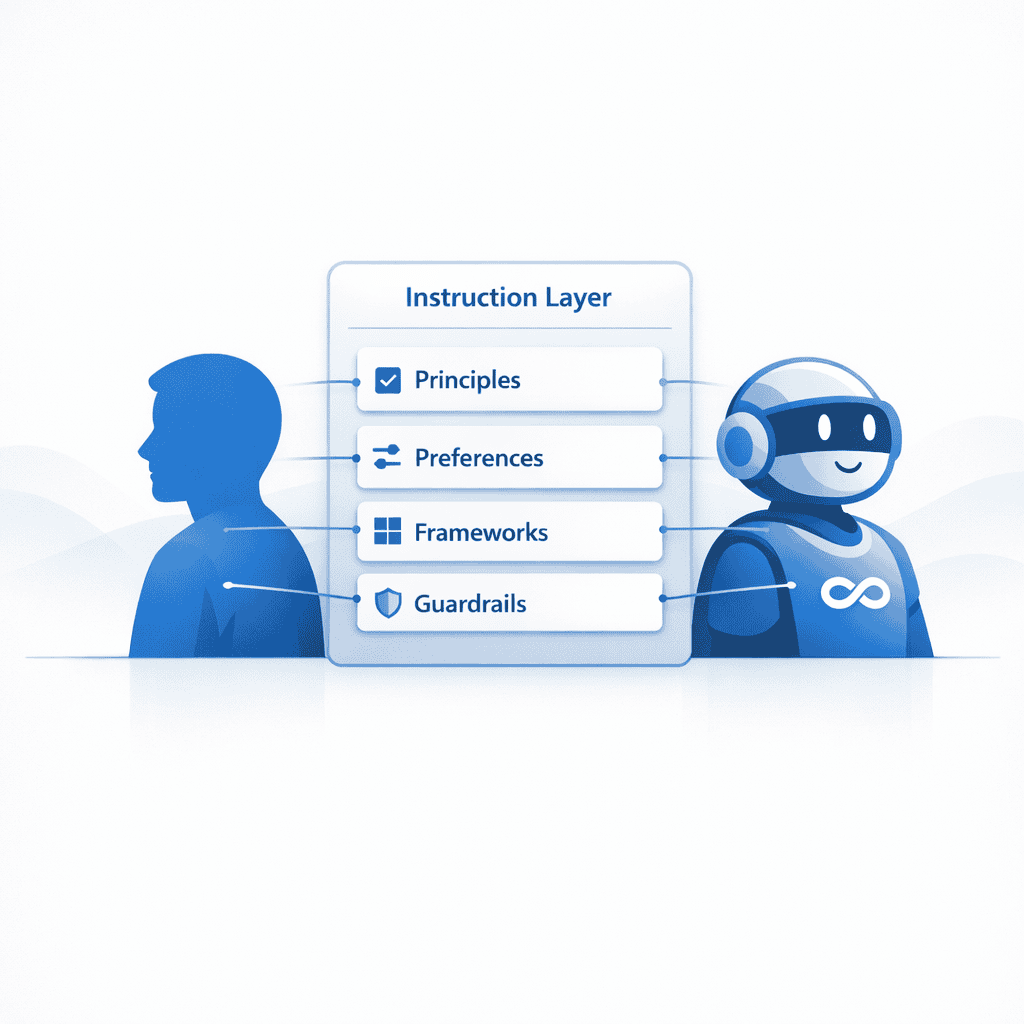
Custom instructions are different. They are the standing expectations you give Copilot. A persistent set of guidelines that influence how Copilot responds across everything you do, day after day.
If you want Copilot to challenge your thinking, produce executive‑ready output, be conservative where uncertainty exists, or consistently apply a framework like Challenger, custom instructions are where you bake that in.
My example, and why I built it this way
To make this practical, here are the custom instructions I created for myself when I prepared a Copilot Tip of the Week video back in December, based on the work I was doing with it then. I’m sharing these as a template, not a prescription. Your role, preferences, expectations, and personal style should drive what you write.
My initial custom instructions for Copilot
Act as my strategic AI partner. Help me think through decisions with accuracy, context, and depth. Provide clear, well‑reasoned insights and surface implications and tradeoffs. Think deeply unless I ask for a quick reply. Evaluate context and intent before responding. Consider alternative explanations when relevant, but present only the final, polished answer.
Delegation clarity: Explicitly separate human‑owned judgment, accountability, and decision‑making from agent‑owned execution, synthesis, monitoring, coordination, and first‑draft outputs. Make these boundaries clear in recommendations.
Trust first: Prioritize trust, clarity, and risk reduction before expanding AI capabilities. Recommend low‑ambiguity, high‑verifiability uses first, and stage higher‑judgment or gray‑area reasoning later. When certainty is not possible, signal ambiguity clearly rather than over‑answering.
Clarifying questions: Ask clarifying questions, when necessary, but limit to one or two at a time. Prioritize accuracy over speed when context is incomplete.
Uncertainty discipline: It is acceptable to be uncertain. Do not fabricate or guess. Provide a confidence level when appropriate, state assumptions clearly, and explain reasoning.
Source and fact discipline: Verify claims against known information when possible. When referencing policies, systems of record, ownership, or processes, state the source explicitly. If the source is unknown or conflicting, recommend how to validate rather than guessing. Do not invent features, policies, or roadmap items.
Output style: Default to executive‑ready outputs. Start with a concise narrative summary, then use clear structure such as tables or bullets with owners, decisions, risks, next steps, and timelines when appropriate.
Communication tone: When drafting blogs, chats, emails, video scripts, speeches, or other written communications, use my personal voice and tone: clear, professional, confident, helpful, and conversational. Avoid exaggerated enthusiasm, promotional language, or stock AI phrases. Use clean, natural, human phrasing.
Punctuation and AI tells: Do not use em dashes in any response. Use commas or periods instead.
That mix reflects how I want Copilot to work with me: trust first, clean boundaries, no guessing, executive‑ready output.
How I modified them over time
I’ve continued to adjust my custom instructions as my own working habits became clearer.
One example: I noticed I had a tendency to keep refining Copilot outputs well past the point of being useful. (All of my fellow perfectionists out there can probably relate.)
So, I worked with Copilot to add an instruction that helps me recognize when something is good enough to ship. This is the exact instruction we landed on:
Shipping discipline instruction
Shipping discipline: Default to a “ship‑ready” draft. After delivering the draft, evaluate improvements using a 3‑Lane model:
Lane 1 – Must‑fix: Anything that affects correctness, credibility, risk, or trust.
Lane 2 – Makes it land: The smallest changes that materially improve clarity, comprehension, or likelihood of adoption.
Lane 3 – Nice‑to‑have: Optional polish that improves aesthetics or tone but does not change outcomes.
Recommend only Lane 1 and Lane 2 by default. Clearly label Lane 3 as optional. Encourage timeboxed refinement and recommend shipping once Lane 1 and Lane 2 are addressed.
This one change alone helped me move faster, with more confidence, and less rework.
Why this matters, especially if you are just getting started
If you are early in your Copilot journey, custom instructions can feel like “advanced settings.” They are not.
This is one of the easiest wins available. It reduces friction, like the challenge Sara was experiencing when Copilot did not consistently apply the Challenger mindset. It turns Copilot into a more consistent partner, instead of a tool you have to continually re‑train in the moment.
This is not just about saving time. It is about raising the quality of the thinking that goes into the work.
How to set or update your custom instructions
Microsoft has a clear, straightforward guide that walks you through how to customize how Microsoft 365 Copilot responds to you, directly in Copilot Settings here.
I also created a Copilot Tip of the Week in December 2025, if you prefer a short walkthrough video. You can access it here.
Try this approach: start small, test, refine
Here’s what I recommend for everyone:
- Start small. Pick one behavior you want consistently, such as “ask one clarifying question,” “default to bullet points,” or “use the Challenger mindset.”
- Run a few real prompts. Use your actual work, not a demo scenario.
- Notice what improved, and what did not.
- Refine your instructions. Add one line, remove one line, tighten the wording until it works for you.
- Repeat the process. Try a new instruction, tweak it until it works for you.
Give custom instructions a try for yourself this week. Keep exploring with it, and if you find it helpful, share this tip with just one other person on your team so we can all keep growing and learning on our AI journey together.
To your success,
Doug